Accessing AdminCentral® Logs
Errors generated from any of the operations within the AdminCentral® application will create AdminCentral® Log records. These logs can be accessed from the Features Console in the AdminCentral® home page.
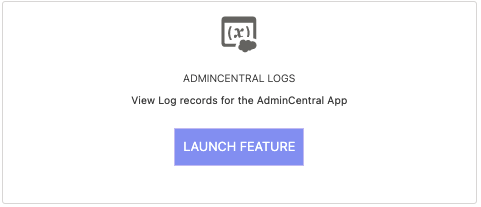
Log Access
All AdminCentral® operations automatically generate log records when errors occur, providing comprehensive tracking and debugging information.
Reporting Issues
To report any issues you find within the AdminCentral® Logs, or any questions or concerns you may have in general, click on the Report Issue link in the footer of the AdminCentral® home page.
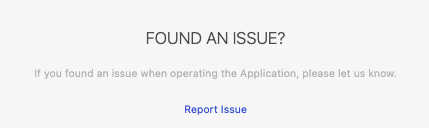
Issue Reporting Process
Access Report Issue
Click on the "Report Issue" link in the footer of the AdminCentral® home page.
Provide Log Details
In the description section, provide details from the AdminCentral® Logs including Message, Class, Method, and Line fields.
Submit Issue
For non-log related issues, provide an explanation of your expected vs. actual experience.
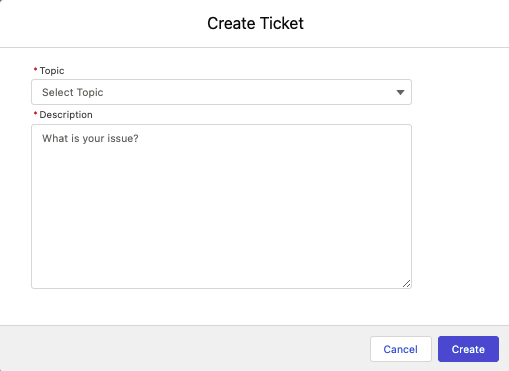
Log Details and Information
AdminCentral® Logs provide detailed information to help diagnose and resolve issues quickly and efficiently.
Message Field
Contains the detailed error message describing what went wrong during the operation.
Class Field
Identifies the specific class where the error occurred for targeted debugging.
Method Field
Specifies the exact method within the class where the error was triggered.
Line Field
Provides the exact line number where the error occurred for precise debugging.